
Features · Chat
Chat Library
Skip the blank page by choosing a ready-made prompt for planning, meeting preparation, writing, and more.
The Chat Library gives you ready-made starting points for common work. Send one as written or adapt it to what you need.
Open the library
- Open a new Chat, then select Chat Library below the prompt box.
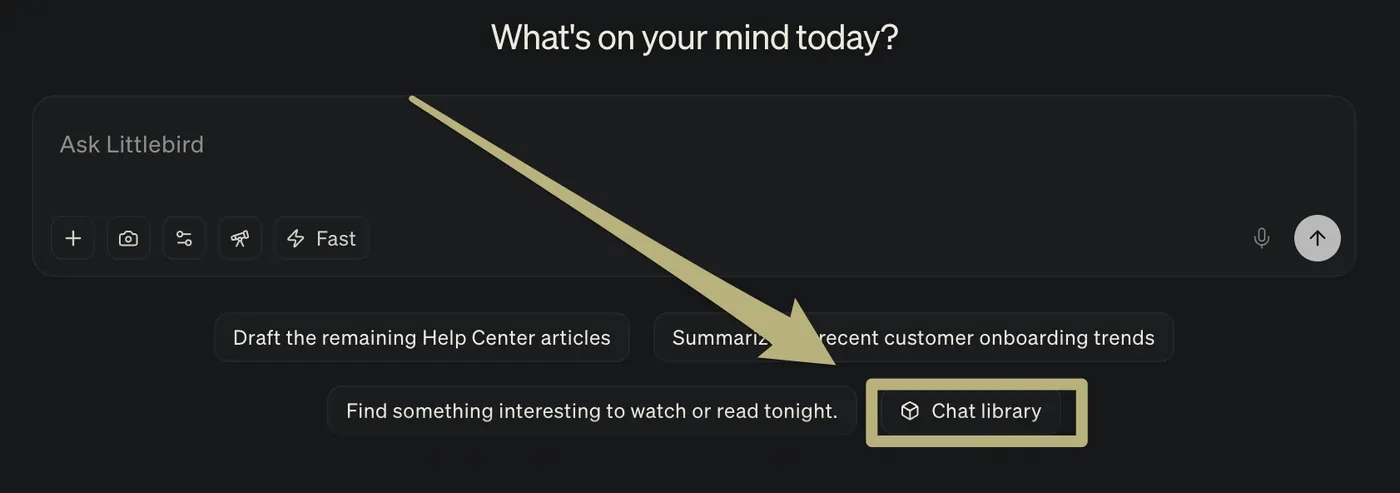
- Select More ways to chat, choose a category, then select a prompt.
Examples in the library include:
- What’s quietly slipping?
- Which recurring meetings can I kill?
- Tell me a pattern I wouldn’t notice.
- Prepare me for a hard conversation.
- Morning brief.