
Your first Chats
Your first chats
Treat Littlebird as your personal assistant, speak to it as you would a person, the output will consistently be strong when given the right set of instructions.
Here's an exercise you can begin with:
If Littlebird has been on for less than 72 hours:
Prompt:
Based on what you know about me and my goals, what information can I provide you in order to be able to help me achieve my goals faster and take as much off my plate as possible.
If Littlebird has been able to collect some context longer than 72 hours:
Prompt:
What tasks and assistance can you provide for me right now to progress towards completing my goals and ambitions? Break this out by daily and weekly actions.
Recommended Chat use cases
Brainstorming and Project Planning
When you have a goal but no clear path forward, Chat is your thought partner. Instead of staring at a blank page, use Littlebird to help you brainstorm ideas, outline steps, and turn vague goals into concrete plans.
Try this 3-step flow:
Start broad:
Help me think through [goal]Refine:
What are the key milestones we'd need to hit?Build:
Turn those milestones into a project plan with phases and timelines
Pro tip: Use our Chat Library and select "Turn My Goals into a Plan." Littlebird will kick off the conversation by reviewing your context and suggesting three relevant goals based on your recent work.
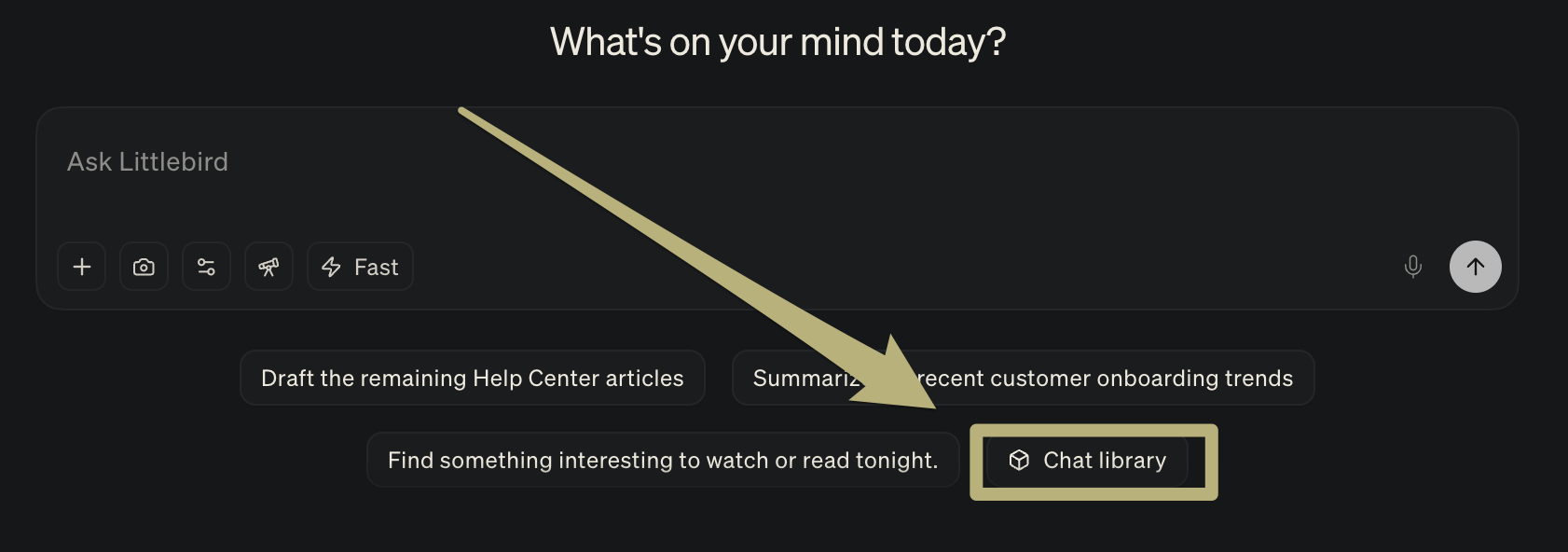
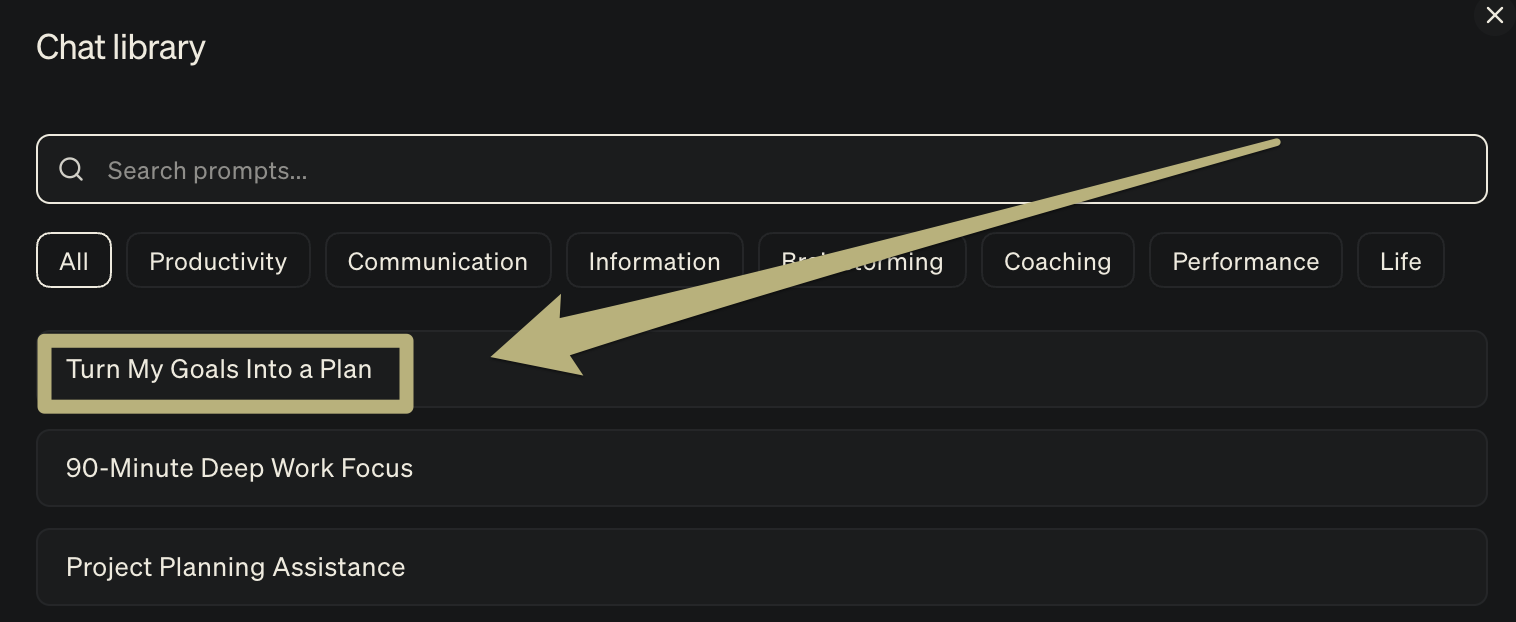
Continue using this chat to go back and forth with Littlebird, providing more instructions and feedback on the output you want.
Try giving it more information, making slight changes to the goal, or even requesting formatting changes to the output (e.g. provide this in a table format).
Task Execution
Chat isn't just for planning; it's for actually getting things done. Use it to draft emails in your voice, outline presentations, create checklists, or break down a big project into manageable tasks.
Example workflows:
Writing:
Draft a follow-up email to [person] summarizing our conversation. Keep it casual but clear.Creating:
Create a 10-slide outline for a presentation on [topic] that I can copy directly into my slides.Organizing:
Break down this project into tasks with clear owners and due dates.
Give Littlebird context. Tell it who you're writing to, the tone you want, or any constraints. The better your instructions, the better the output.
Try this prompt: Task a first pass at the task and provide me a set of instructions and relevant links to complete it myself.
Weekly Review
Every Friday (or whichever day works for you), take 5 minutes to review your week. This helps you see patterns, celebrate wins, and set priorities for next week.
Ask Littlebird:
Summarize what I accomplished this week and highlight my top 3 wins.Based on this week's activities, what should be my top 3 priorities for next week?What patterns do you notice in how I'm spending my time?
Pro tip: Use our Chat Library and select "Weekly Review + Workflow Analysis" to see how you spent your time over the previous week, broken down by app, website, and task.
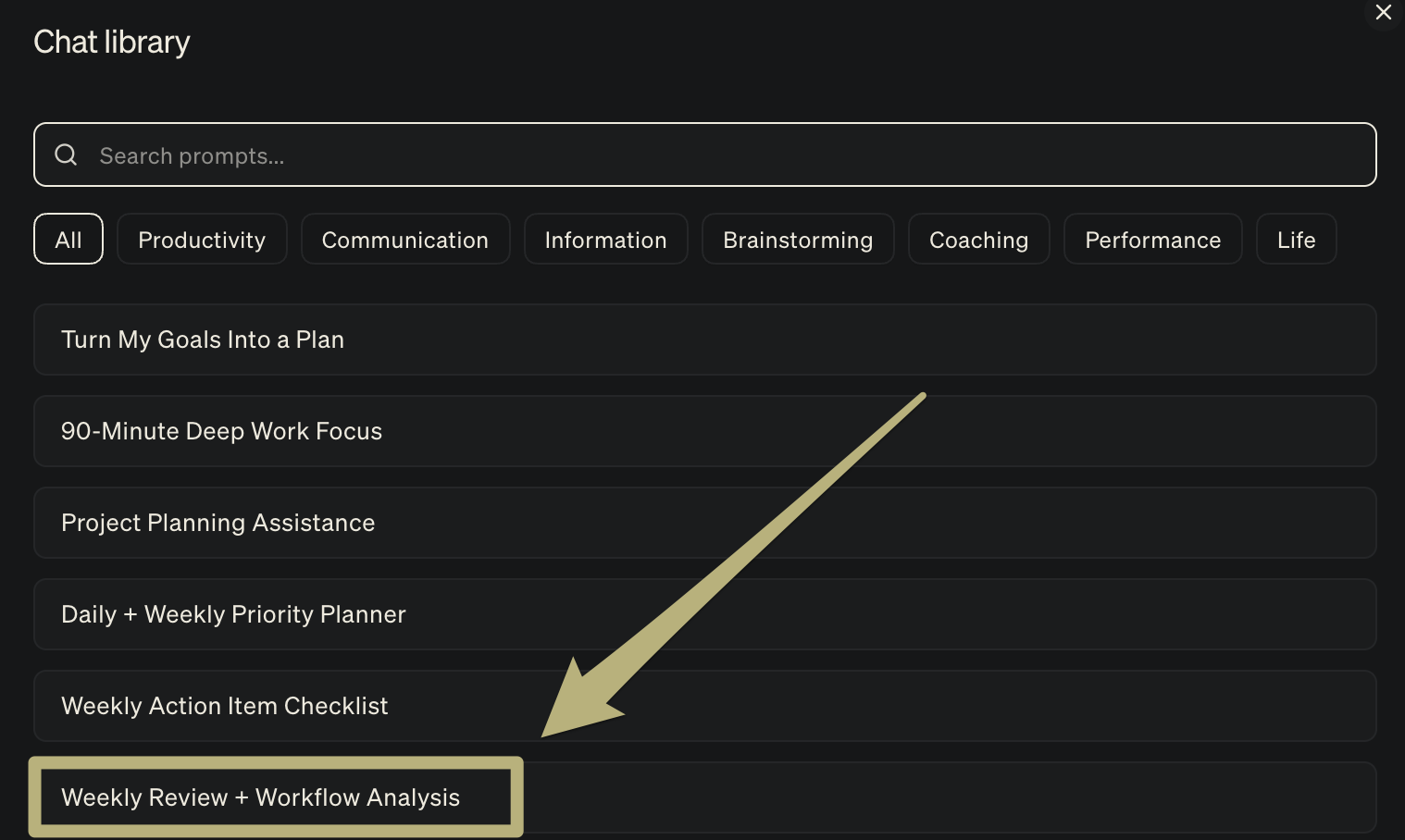
This becomes especially powerful when you use it week after week, you'll start seeing trends in your productivity and focus.
Using Chat w/ your integrations
Use case 1: Instantly review your calendar for openings
Littlebird can review your calendar for scheduled events and open times. If your colleagues have shared their calendars, it can find shared openings as well.
Use Littlebird to quickly find timeslots for you and a colleague to connect instead of cycling through calendars manually or going back and forth over Slack to find a slot.
Prompt:
When am I free next Tuesday afternoon?Prompt:
Find a few shared 30 minute open calendar slots between John and me next Tuesday or Wednesday afternoon.Prompt:
Review and list out each calendar event I have this week and prep me accordingly by listing 1-2 bullets on how I should prepare.
Use case 2: Schedule events via Chat
As a next step, you can instantly schedule that event right from the chat.
You can also have Littlebird leverage your context or ask it to create an agenda and include any relevant links in the description.
Prompt:
Schedule a 30-minute meeting for me with sarah@example.com tomorrow morning at 9 am to discuss the project proposal. Call it 'Proposal Review.' The event description should be an Agenda and include a section for what the goal and ideal outcomes for the meeting will be along with any relevant links.Prompt:
Create a one-hour event next Friday at 2 pm PT called Weekly planning and invite alex@example.com and jamie@example.com